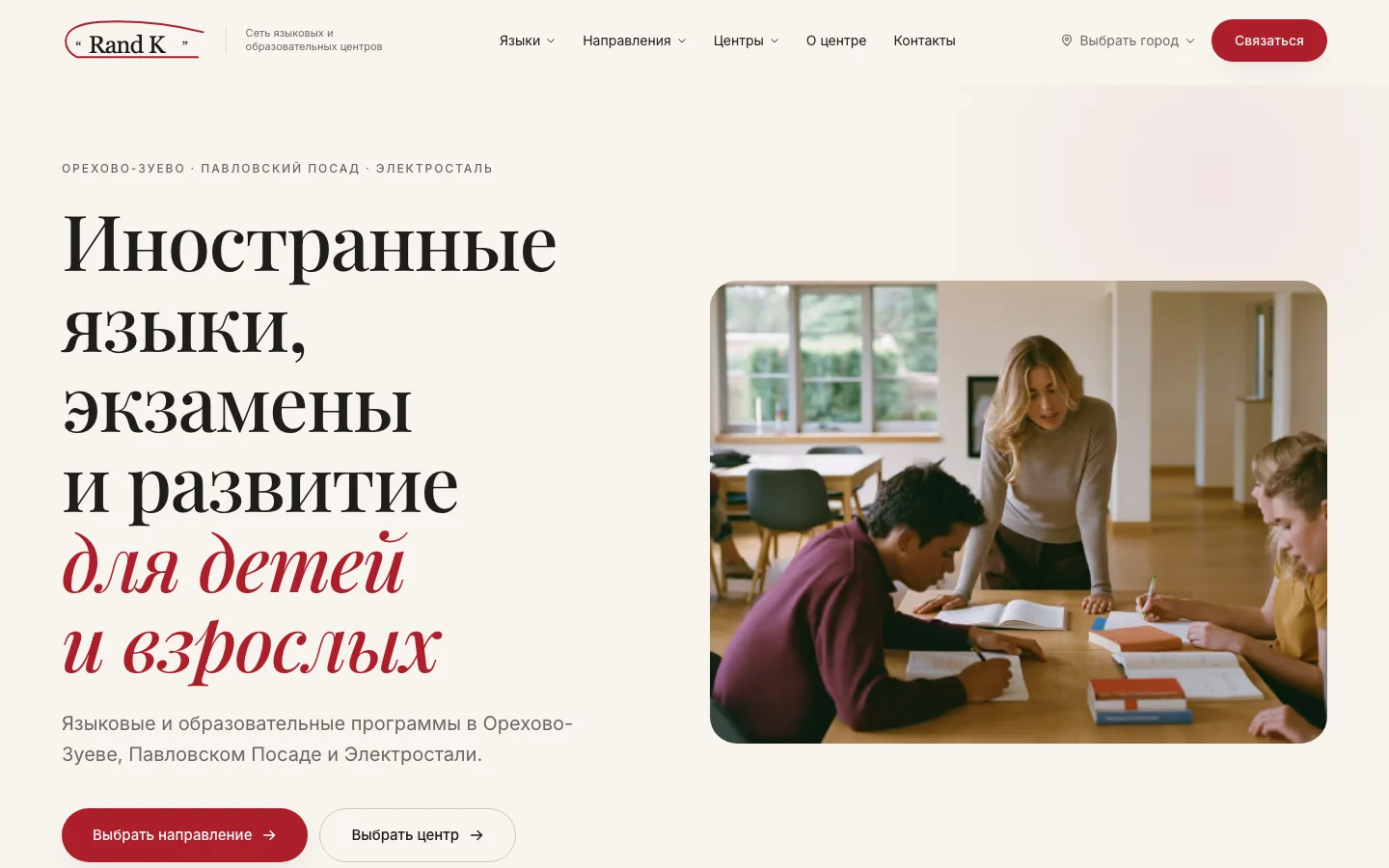
Website for a network of language and education centres
RandK Center
Context
RandK Center brings together language and education programmes in Orekhovo-Zuyevo, Pavlovsky Posad and Elektrostal. The website serves parents, school pupils and adults: some need to choose a language, while others are looking for exam preparation or classes for a child.
Challenge
Connect several subjects and three offices in a clear structure. Visitors can start with their chosen language, the learner's age or the nearest town, then move to a programme and the centre's contact details.
Learning Programmes
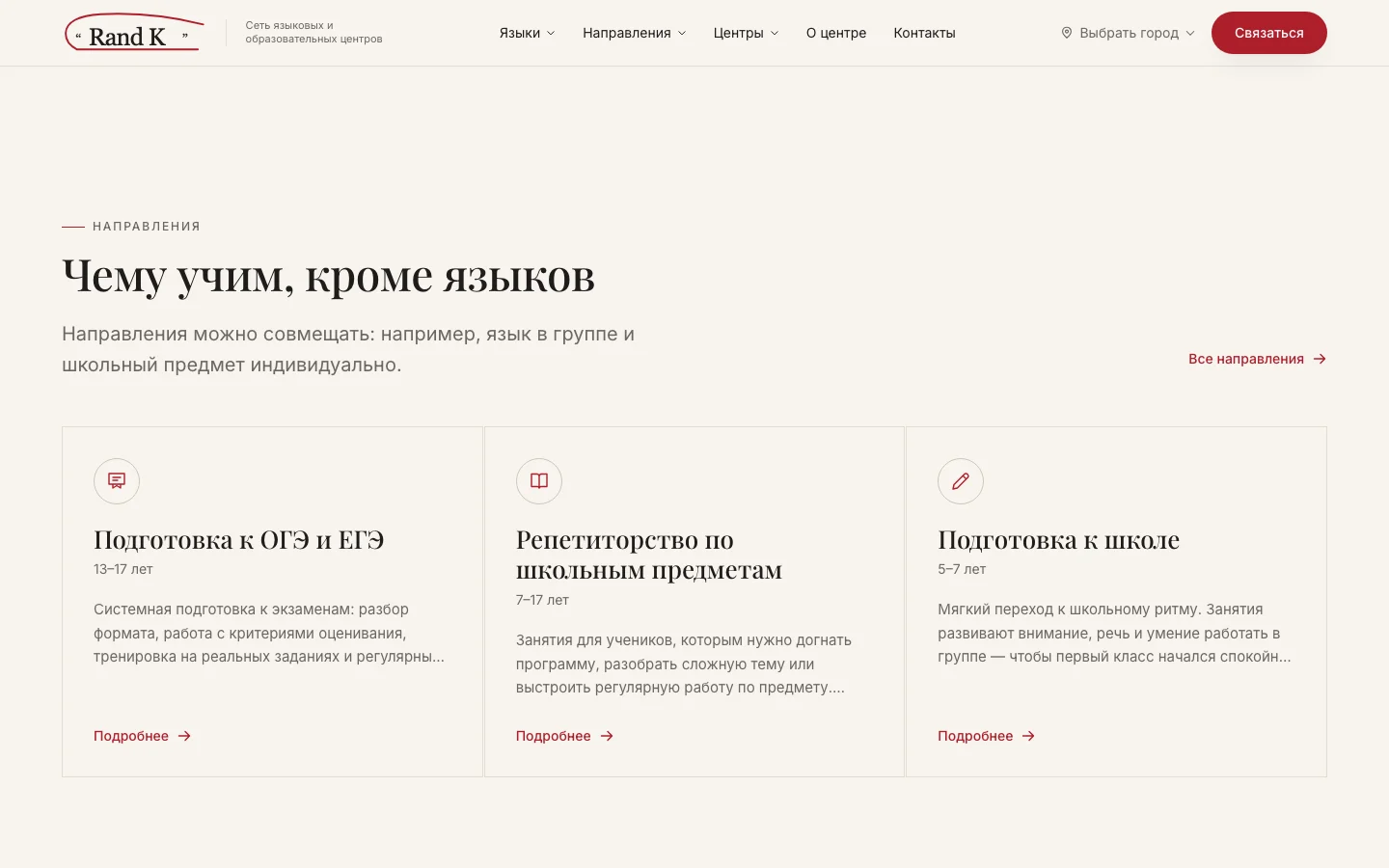
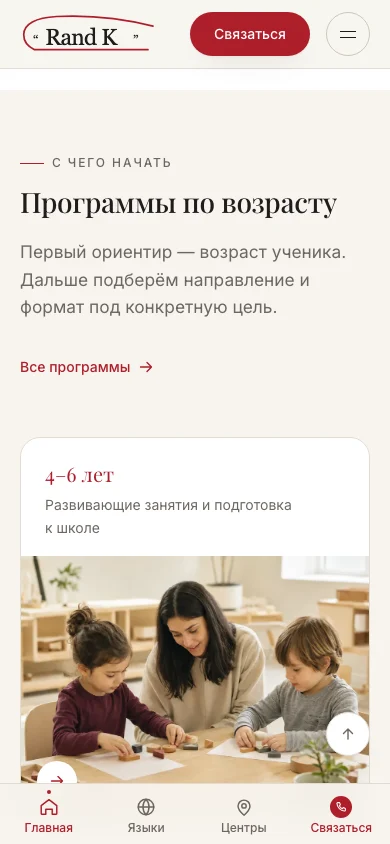
Russian school exam preparation, tutoring, preschool classes, development programmes and corporate training have separate sections. Homepage cards provide a short explanation and link to detailed pages, allowing visitors to explore a relevant subject directly.
Six Languages
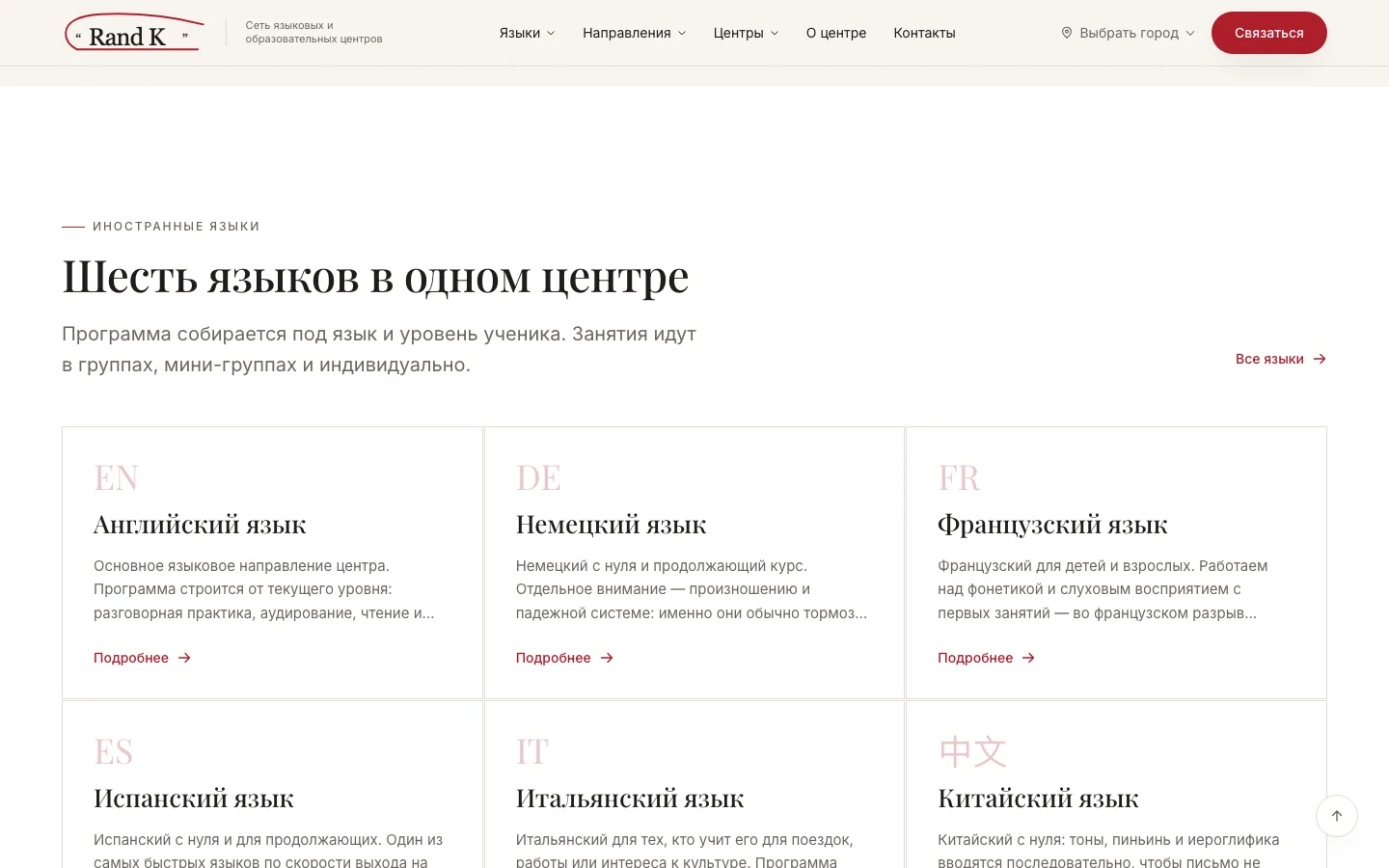
English, German, French, Spanish, Italian and Chinese each have their own page. A shared homepage section presents the choice and lets visitors go straight to the language they need.
Three Towns, One Network
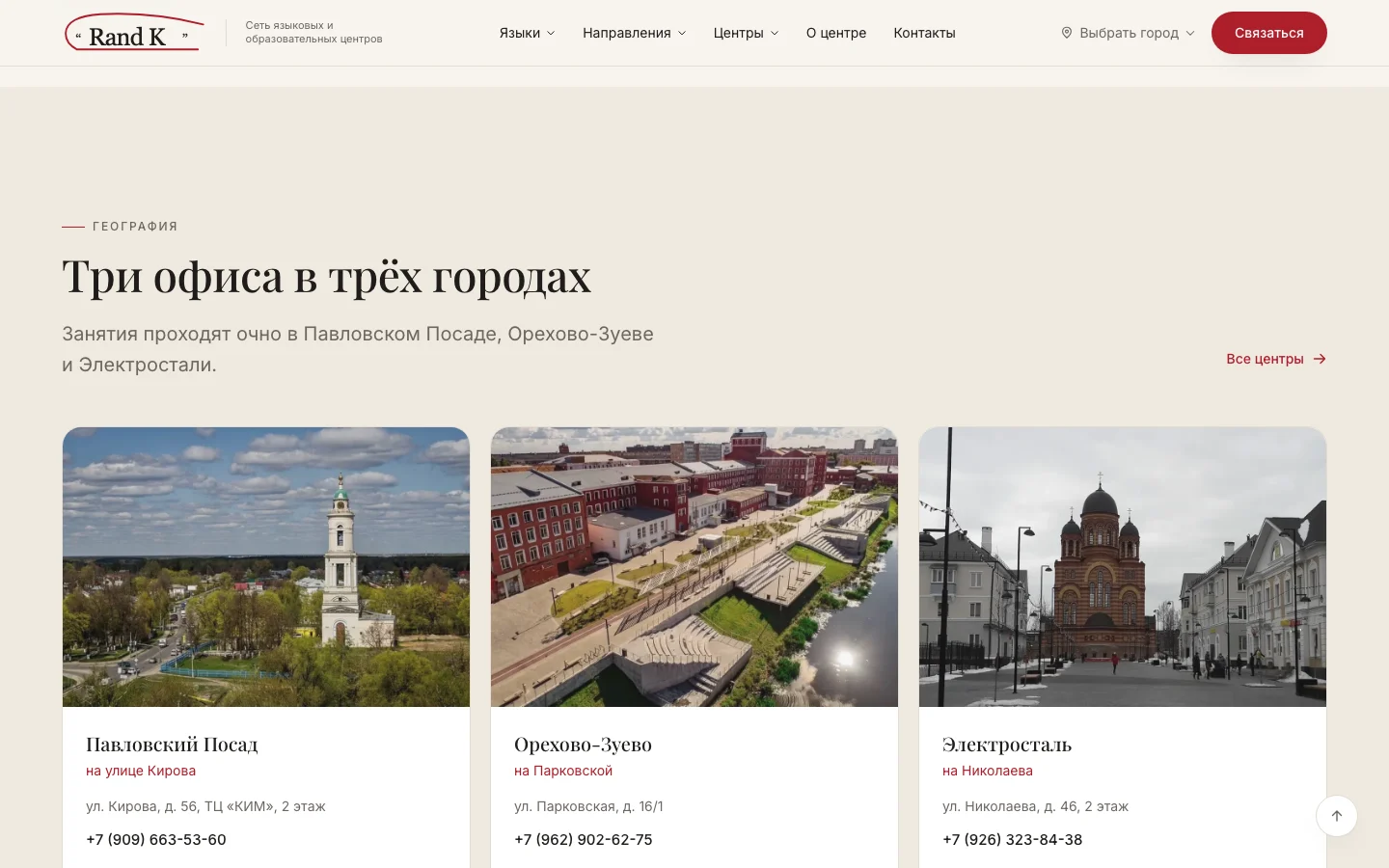
Each centre has a dedicated page with its address and contact details. A town selector is available in the header, while the homepage centres section connects the school overview to a specific place to study.
Mobile
On a phone, cards form a vertical sequence. Programmes are grouped by age, and bottom navigation provides quick access to the homepage, languages, centres and contact actions without returning to the top of the page.
Choosing a Programme
The homepage ends with frequently asked questions and an invitation to contact a centre. Detailed language, programme and office pages continue the same journey: from an interest in a subject to a conversation with the selected centre.
Scope of Work
- Multi-page structure for an education network
- Language and learning programme catalogue
- Programmes grouped by age
- Navigation across three towns and centre pages
- Visual direction and website typography
- Responsive layouts and mobile bottom navigation
- Contact actions, FAQ section and launch
We do not publish client metrics or claim business outcomes. Every item listed here can be verified on the live website.
Services for a similar project
Have a project that needs a strong digital presence?
We reply within one business day.
Have more context? Complete the structured brief in 5–10 minutes.
Complete project brief